> ## Documentation Index
> Fetch the complete documentation index at: https://elementary-ele-2784-fix-alerts-configuration-links-docs.mintlify.site/llms.txt
> Use this file to discover all available pages before exploring further.
# Gitlab
Elementary connects to the code repository where your dbt project code is managed, and opens PRs with configuration changes.
### Create a Gitlab project token
You need to create a [project access token](https://docs.gitlab.com/ee/user/project/settings/project_access_tokens.html) (token for a specific repository) with by following these steps:
1. On the left sidebar, at the top, select **Search GitLab** to find the dbt project repo.
2. Select **Settings > Access Tokens**.
3. Enter a name and expiry date for the token (default is 1 year).
4. Select the role **Maintainer** for the token.
5. Select the following scopes: `api`, `read_api`, `read_repository`, `write_repository`.
6. Select **Create project access token**.
### Connect Gitlab to Elementary
Navigate to the **Account settings > Environments** and choose the environment to which you would like to connect the dbt project code repository.
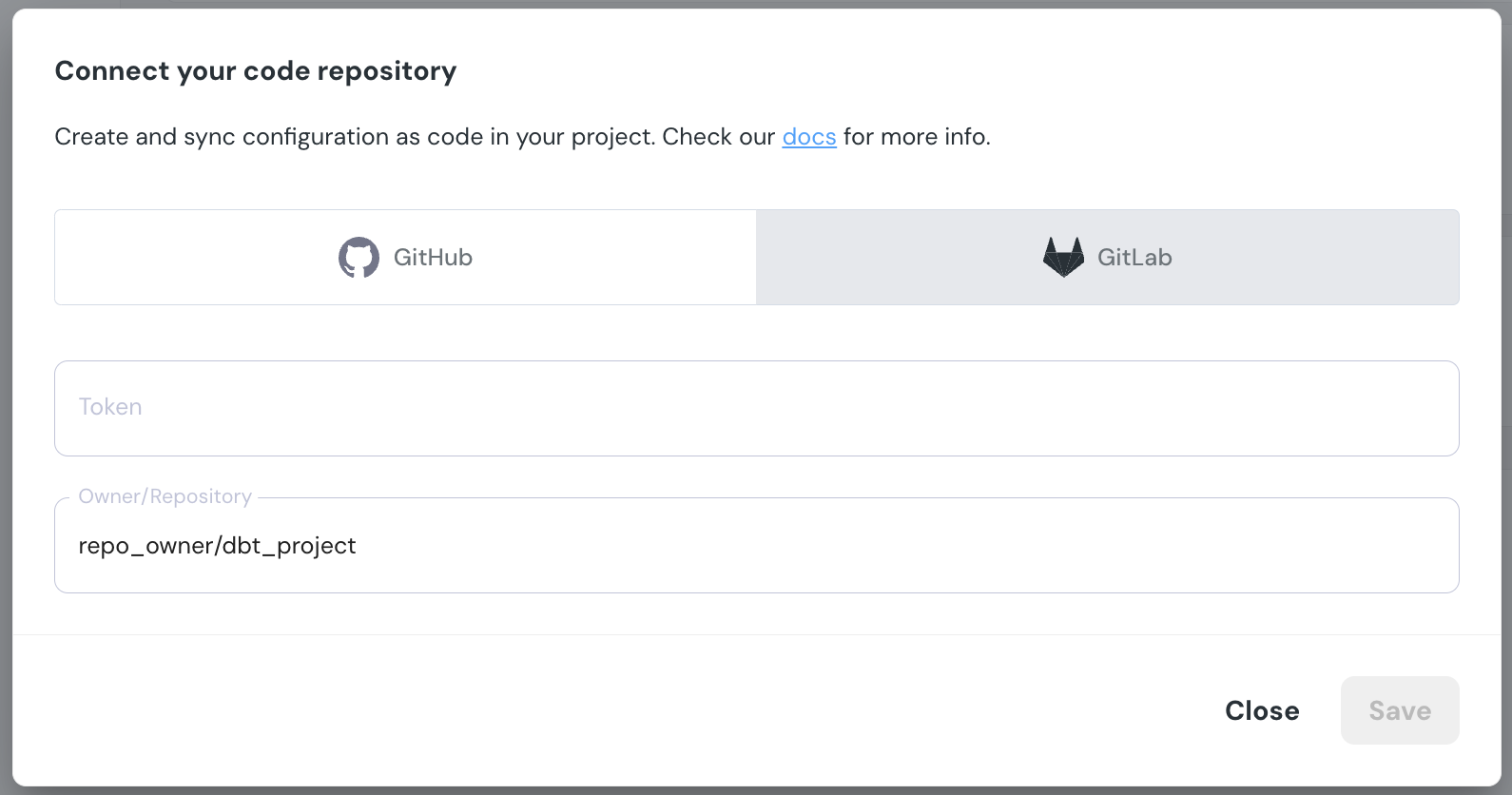
Select **Connect code repository**, and under Gitlab enter the generated token and repo full name: