> ## Documentation Index
> Fetch the complete documentation index at: https://elementary-ele-2784-fix-alerts-configuration-links-docs.mintlify.site/llms.txt
> Use this file to discover all available pages before exploring further.
# Alert rules
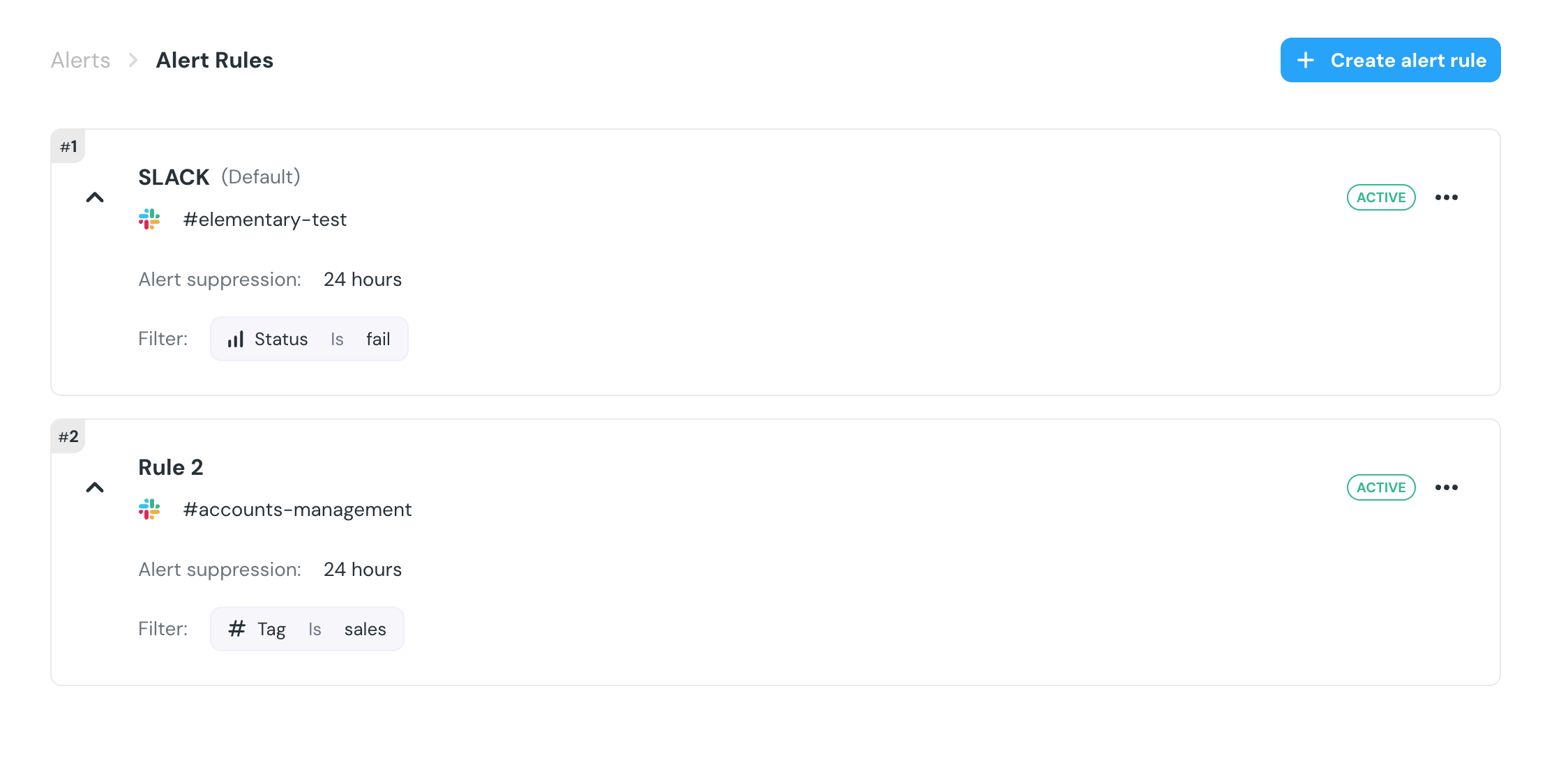
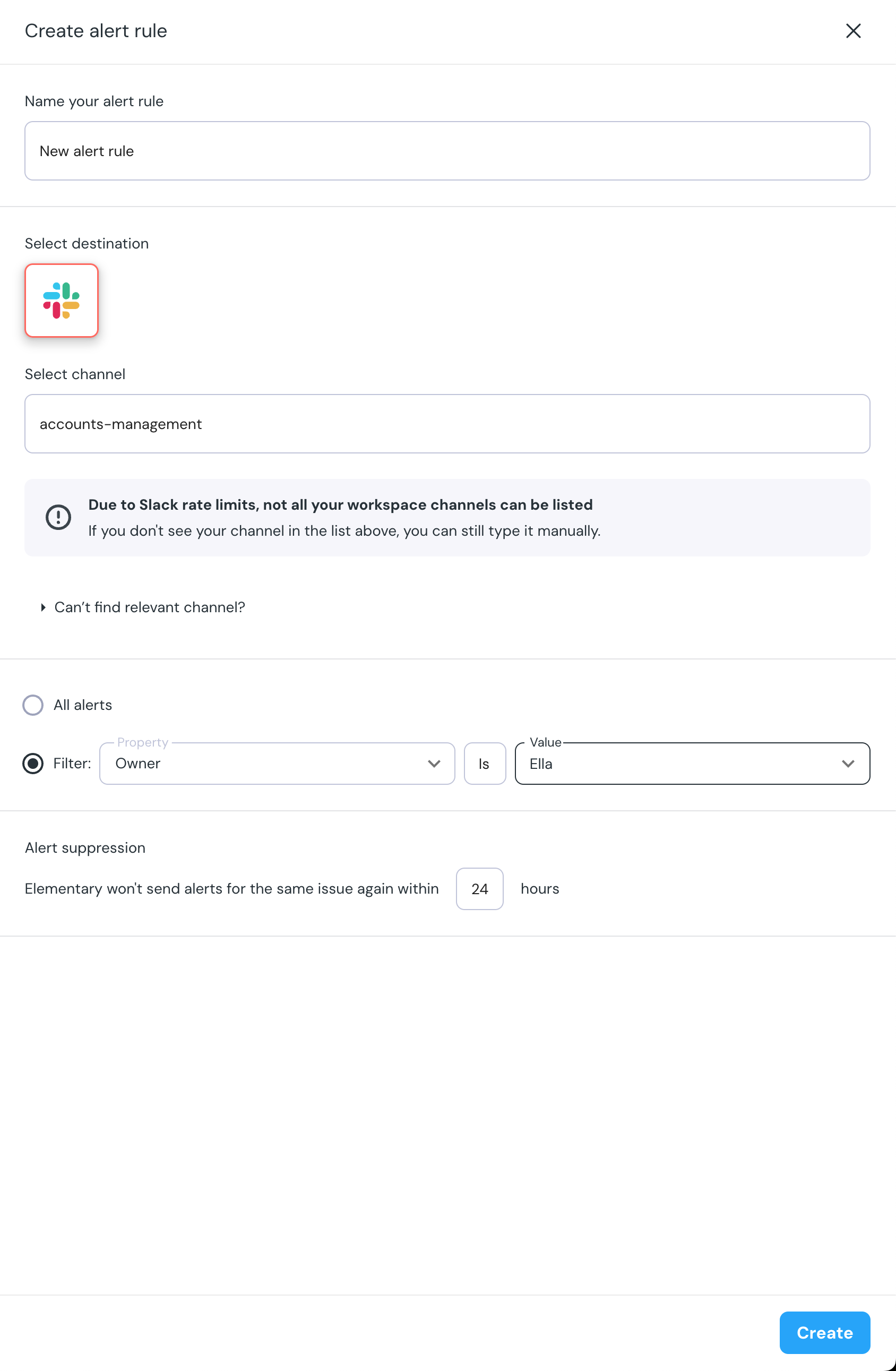
Elementary cloud allows you to create rules that route your alerts.
Each rule is a combination of a filter and a destination.
The Slack channel you choose when connecting your Slack workspace is automatically added as a default alert rule, that sends all the alerts to that channel without any filtering.
To modify, deactivate or add more rules, simply navigate to the "Alert routing rules" page in the left menu.
When the alerts are fetched, each alert is evaluated against all the rules,
until a rule matches. The alert is then routed to the destination of the
matching rule, and no further rules are evaluated. This is why the order of
the rules matters!